The Blush app & store · Sudan
Your beauty and care, all in one place.
Discover the skincare and beauty products you love, and shop easily with the Blush app or the online store.


Free on Android and iPhone
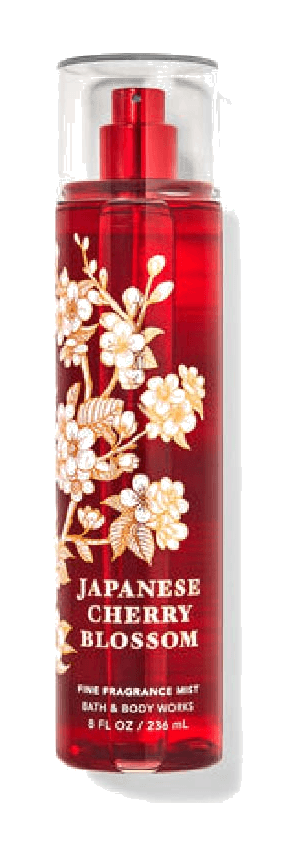
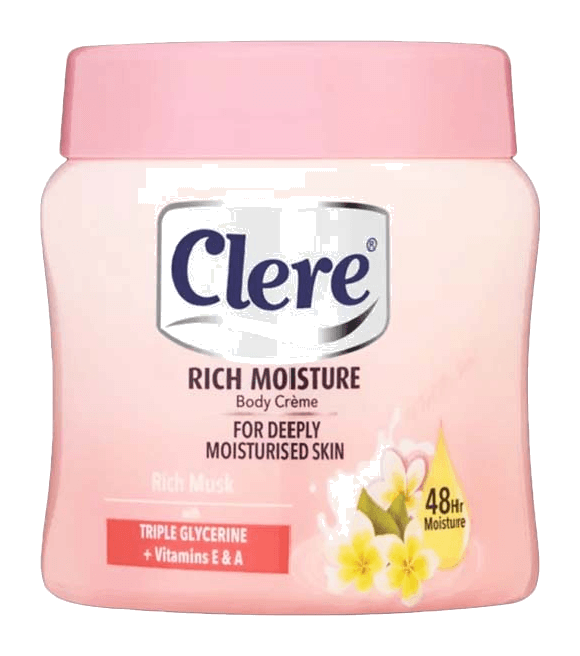
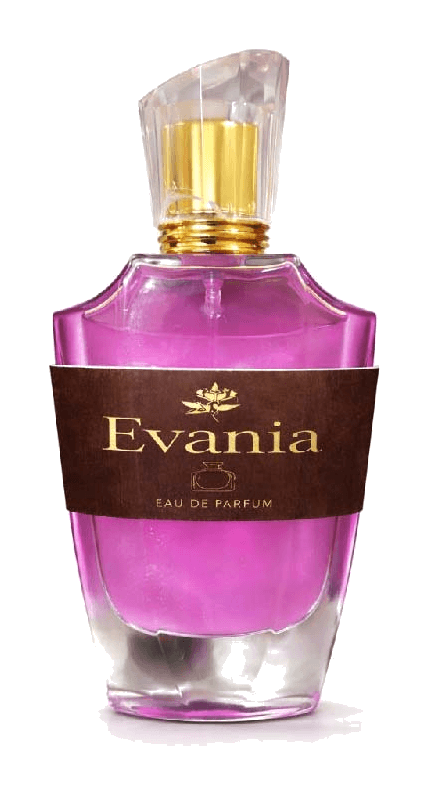
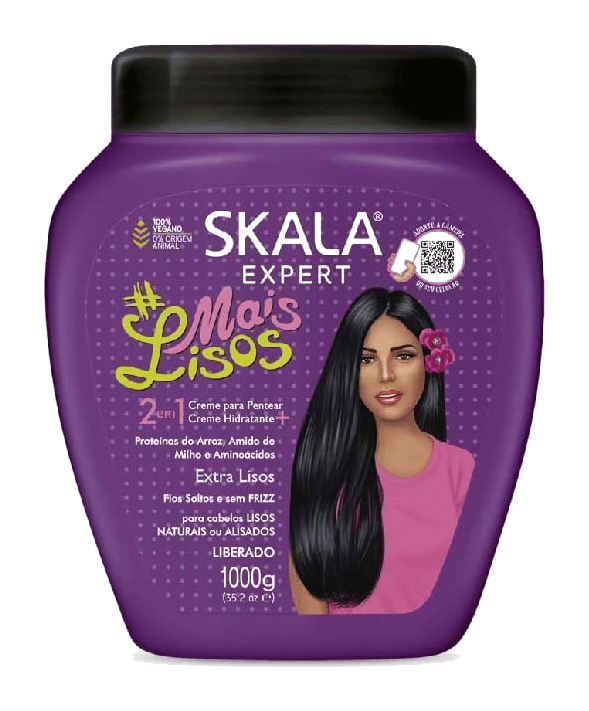
 Available now at Blush
About Blush
A Sudanese beauty and care store, close to you at every step.
Blush is an online store for cosmetics, personal care and fragrance in Sudan. We bring international brands and Sudanese products together in one place, so your everyday essentials are a few taps away.
Shop with the Blush mobile app or in the online store from any browser — and if you need help, our team is on WhatsApp.
Official shopping channels
- 01The Blush appOn Google Play and the App Store
- 02Online storeshop.blush-sd.com
- 03Blush on WhatsAppHelp with your orders
Shop by category
Your whole routine, from our shelves to your door.
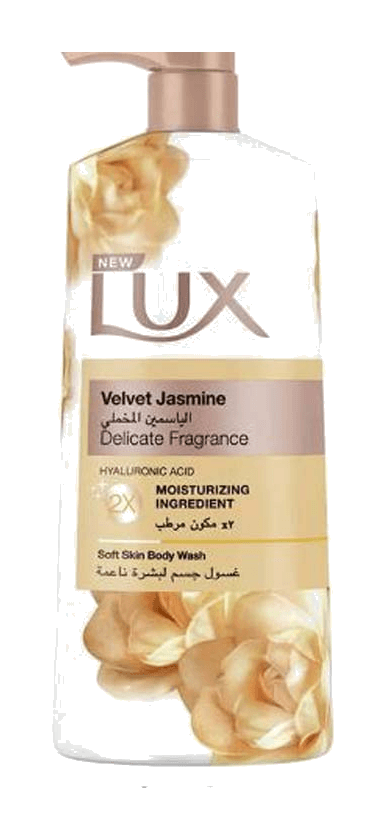
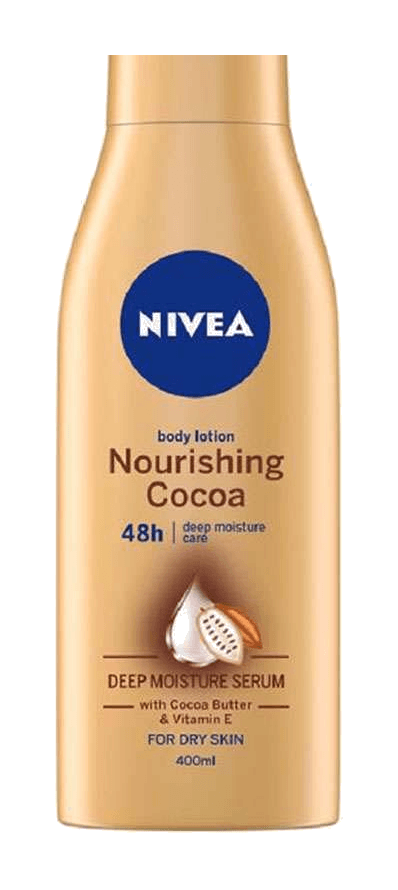
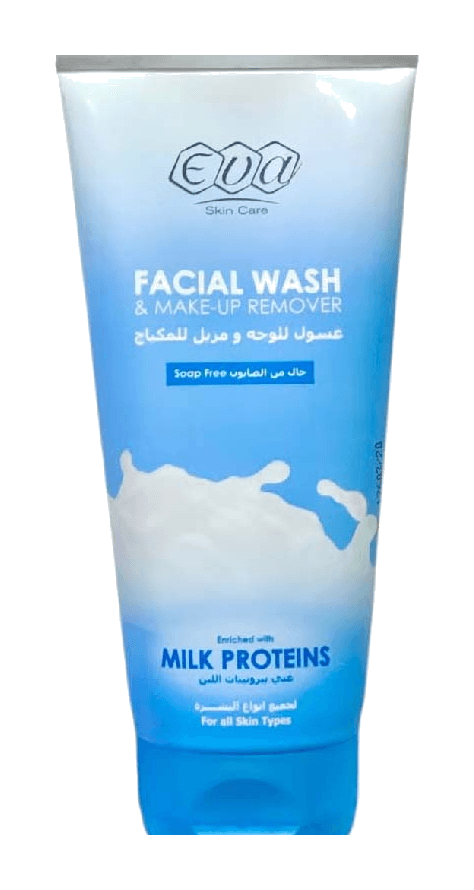
Products available now at Blush. Pick a category and continue in the store.
-
-
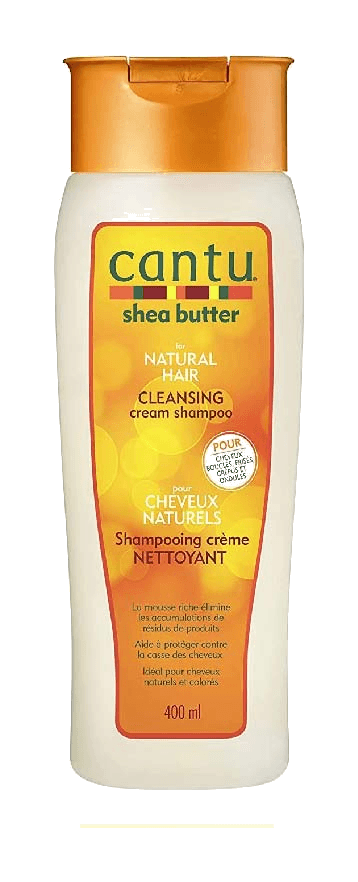
-
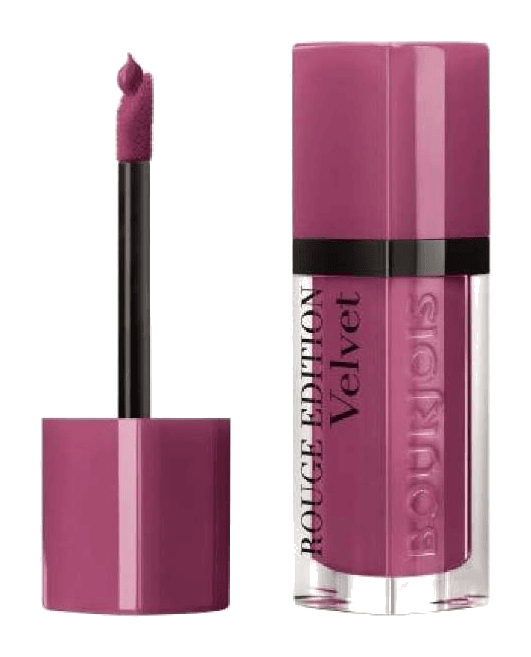
-
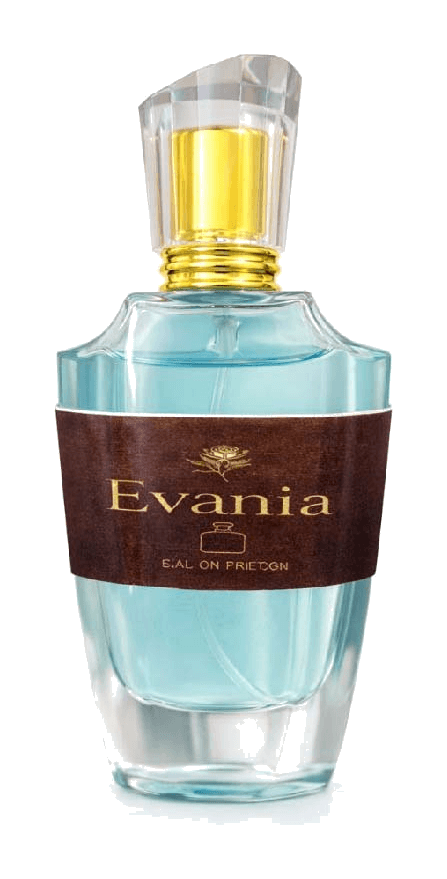
-
-
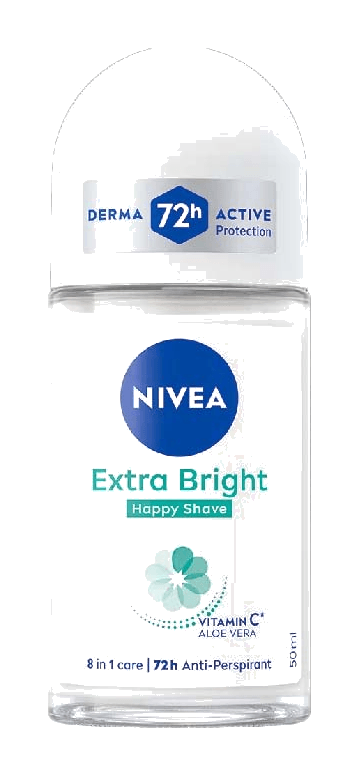
Also in the app: accessories, baby care, Made in Sudan products and wears.
Shop the online storeThe Blush app
The whole store, in your pocket.
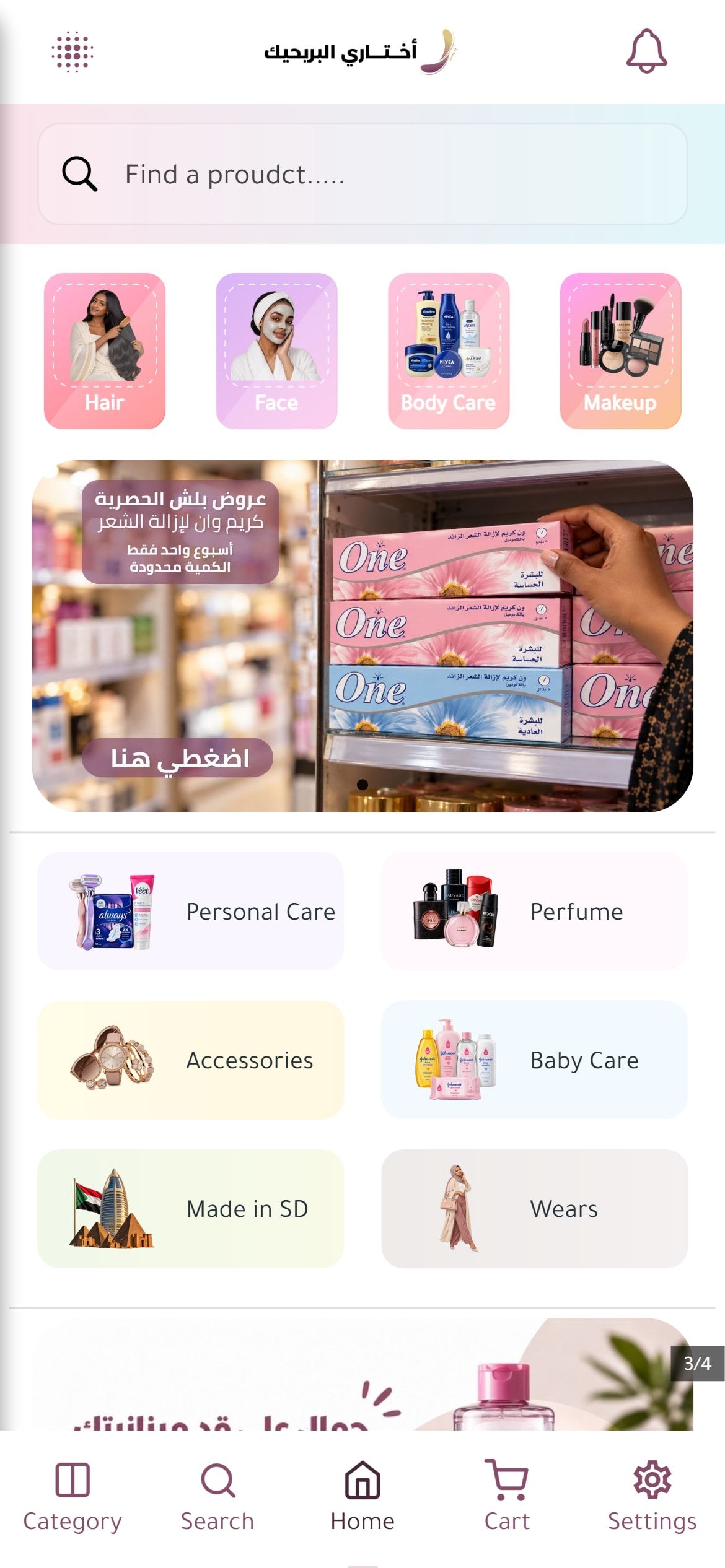
Real screens from the Blush app. Browse categories, see what’s new and order in minutes.
-
01
Home
Hair, face, body and makeup categories right as you open the app, with current offers.
-
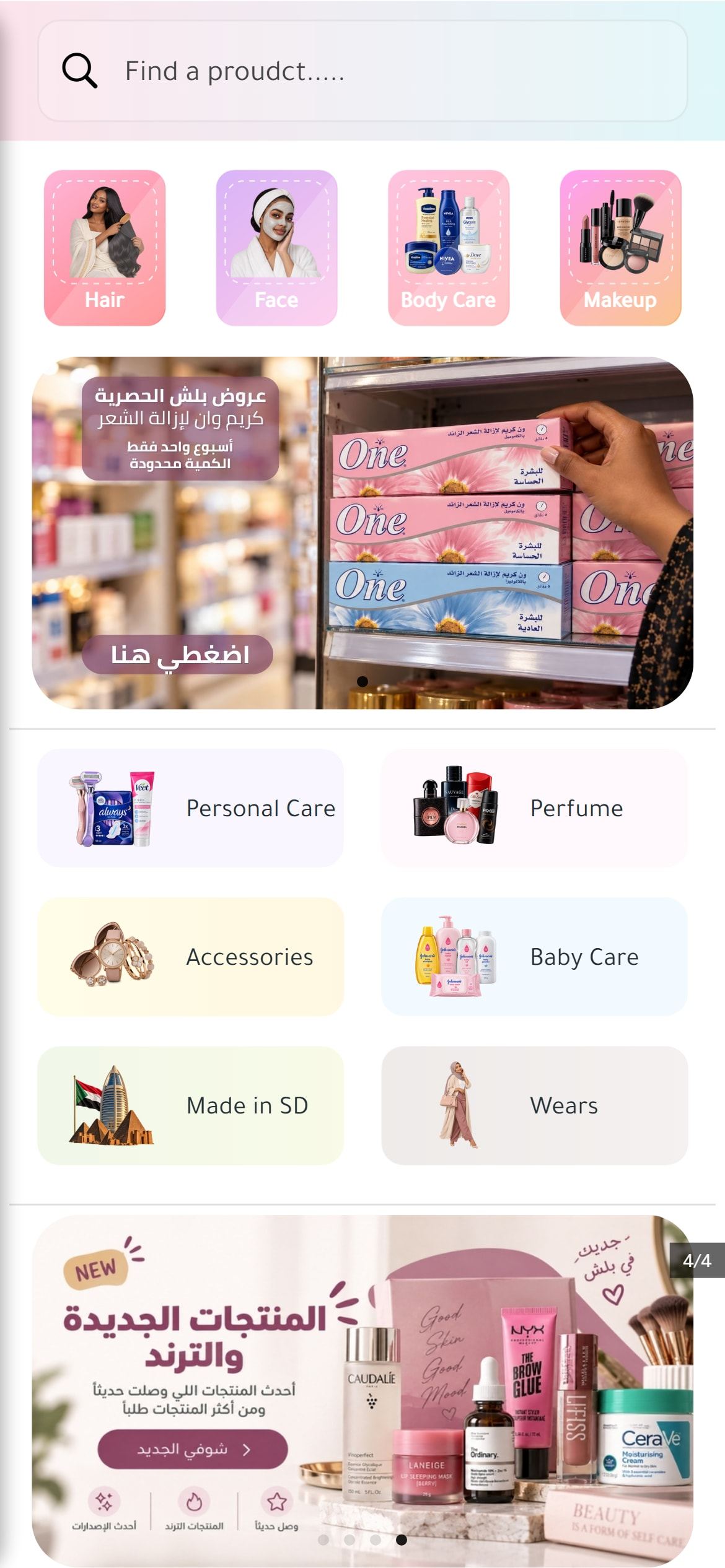
02
Explore categories
Personal care, fragrance, accessories, baby care, Made in Sudan and wears.
-
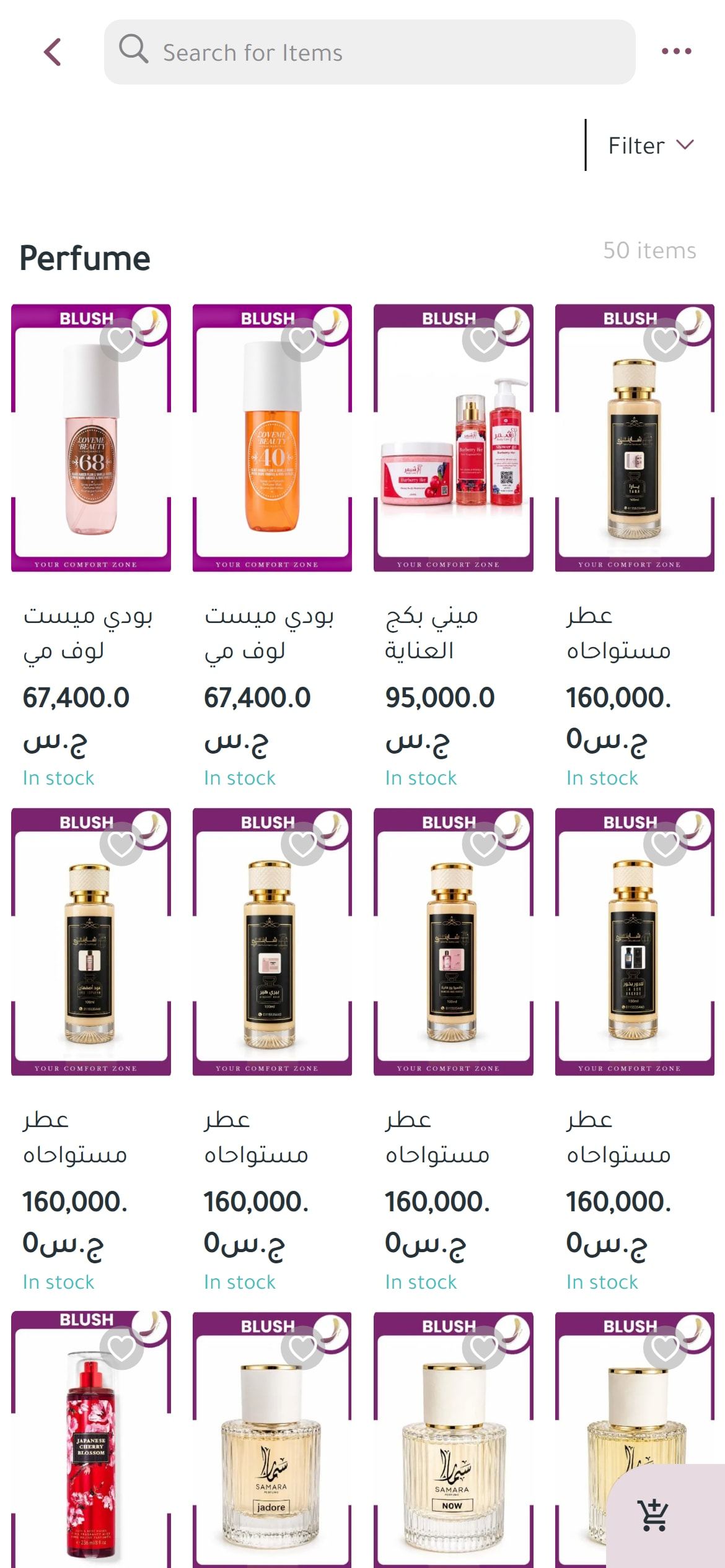
03
Browse a category
Every product in a clear grid, with availability, price and quick filters.
-
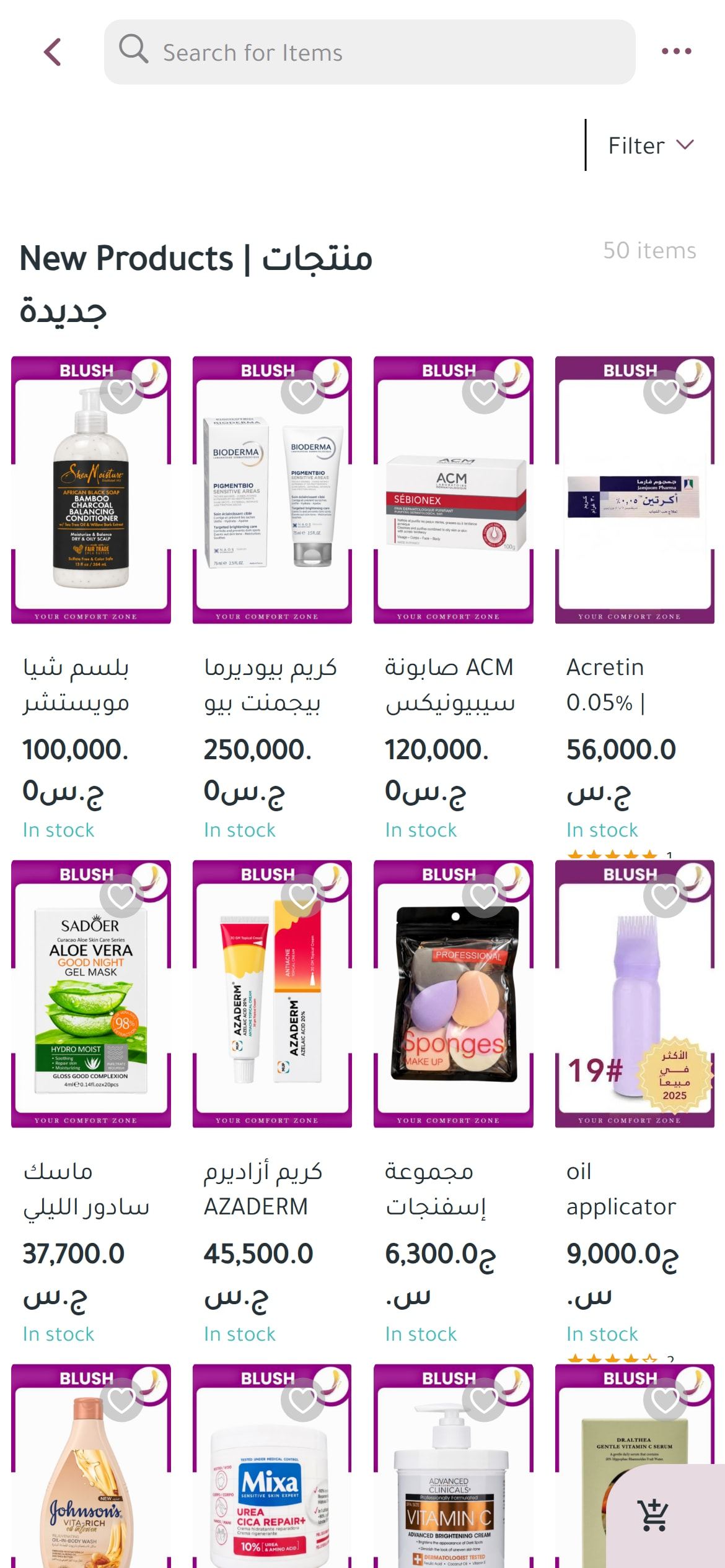
04
New arrivals
Keep up with products that just arrived at Blush and add favourites to your bag.
Screens from the Blush mobile interface, November 2026. Prices and offers change — current prices are shown in the app.
Why Blush
Beauty shopping that is simple, clear and close to you.
Mobile-first shopping
An app built for quick shopping, plus an online store that opens in any browser.
A wide selection
Skincare, haircare, body care, makeup, fragrance and personal care in one place.
Global and Sudanese
International brands alongside Sudanese products in their own category.
Delivery to several cities
Delivery fees and timing for your city are shown before you confirm.
Official channels
The download, store and contact links on this page are Blush’s official links.
Real help
The Blush team answers your order questions on WhatsApp.
How to order
Four steps and your order is on its way.
-
Get the app or open the store
Sign up with your name and the mobile number linked to your WhatsApp.
-
Choose your products
Browse categories or search, then add products to your bag.
-
Confirm your order
Choose your city, address and an available payment method, review the total and place the order.
-
Receive your order
We prepare your order and deliver it through the service available in your city.
Brands at Blush
Brands you’ll find on our shelves.
- NIVEA
- Garnier
- LUX
- Vaseline
- Cantu
- Palmer's
- Bath & Body Works
- Bourjois
- Clere
- Eva
- Skala
- Evania
Availability varies with stock. Trademarks belong to their owners; listing them does not imply an official partnership or authorised distribution.
Delivery
Delivering to more cities.
According to the delivery list currently published in the Blush app:
- Port Sudan
- Omdurman
- Khartoum
- Bahri
- Atbara (River Nile)
- Madani
- Kassala
- Gedaref
Delivery fees and timing vary by city and are shown in detail at the shipping step before you confirm your order. The list is kept up to date in the app.
How do I download the Blush app?
The app is free. On Android, get it from Google Play; on iPhone, from the App Store. Use the official buttons on this page to be sure you are installing the genuine Blush app.
Can I shop without the app?
Yes. Open the online store at shop.blush-sd.com in any mobile or desktop browser to find the same categories and products.
How do I sign up?
Sign up with your name and mobile number. The verification code is sent by WhatsApp or SMS, so we recommend using the number linked to your WhatsApp.
Do you deliver to my city?
Delivery is currently available to several cities, including Port Sudan, Omdurman, Khartoum, Bahri, Atbara, Madani, Kassala and Gedaref. The latest list, fees and timing appear in the app when you order.
How can I pay?
The payment methods available for your order are shown at the payment step in the app or store, including prepayment through local transfer apps. Please review the total before placing your order.
I need help with an order
Message Blush on WhatsApp with your order number and our team will help.
Ready?
Your next routine starts at Blush.
Get the free app, or shop directly in the online store.